DigivibeMX® Balance 26 Dynamic Balancing System – Advanced Multi-Plane Precision for Rotating Equipment
What is a dynamic balancing system?
A dynamic balancing system is a set of tools used to measure and correct imbalance in rotating equipment while the rotor is spinning (usually a vibration sensor, a phase sensor, and specialized software). In practice, the system detects vibration and phase angles to determine where and how much weight to add or remove on the rotor to eliminate excessive vibration. Good dynamic balancing systems allow technicians to balance rotors without reaching operational speeds.
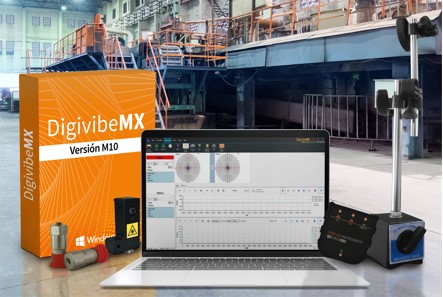
DigivibeMX® 26 Balance is the latest dynamic balancing system from Erbessd Instruments, built from the ground up to make rotor balancing faster, easier, and more accurate for industrial maintenance teams. It combines multi-plane balancing and real-time analysis into one comprehensive package, enabling you to correct imbalance in rotating machinery with confidence and efficiency.
Announcing the new DigivibeMX® 10 with a redesigned user interface, new functionalities, multi-language support, and many more features.
Multi-Plane Simultaneous Balancing
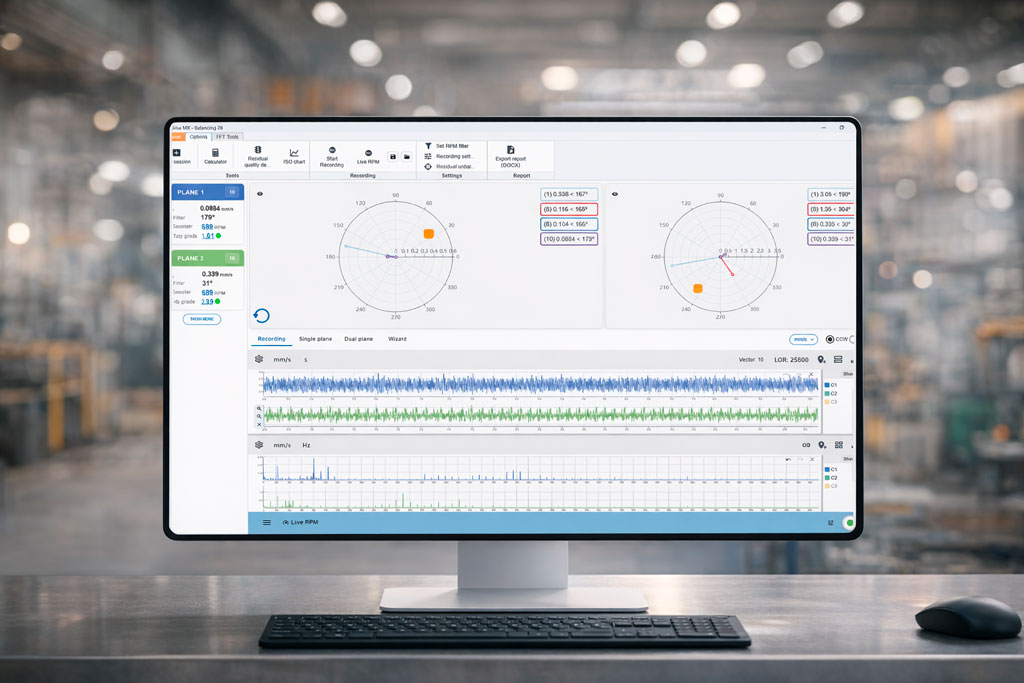
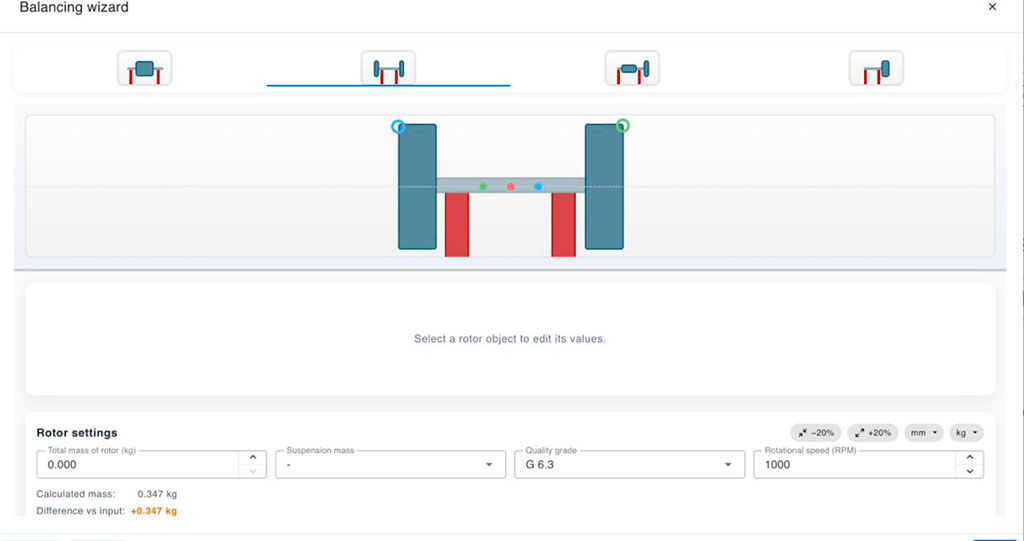
DigivibeMX® 26 Balancesupports single-plane, dual-plane, and static & couple balancing. Each mode (1-plane, 2-plane, or the guided Wizard mode) operates with its own independent calculation engine, ensuring that calculations for one plane or method do not interfere with another. This parallel processing means you can run different balancing approaches concurrently and get accurate, plane-specific corrections.
Enhanced Balancing Wizard with Advanced Rotor Modeling
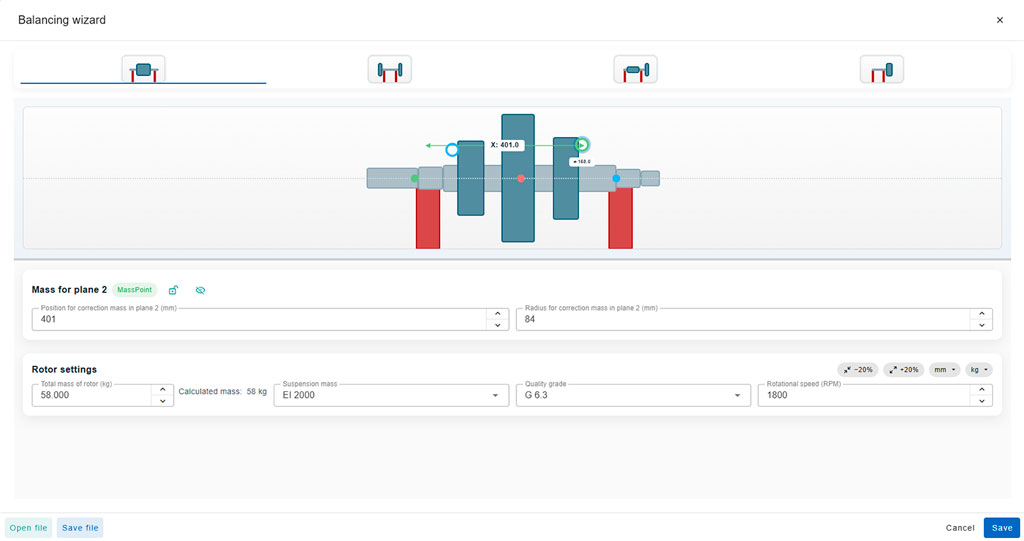
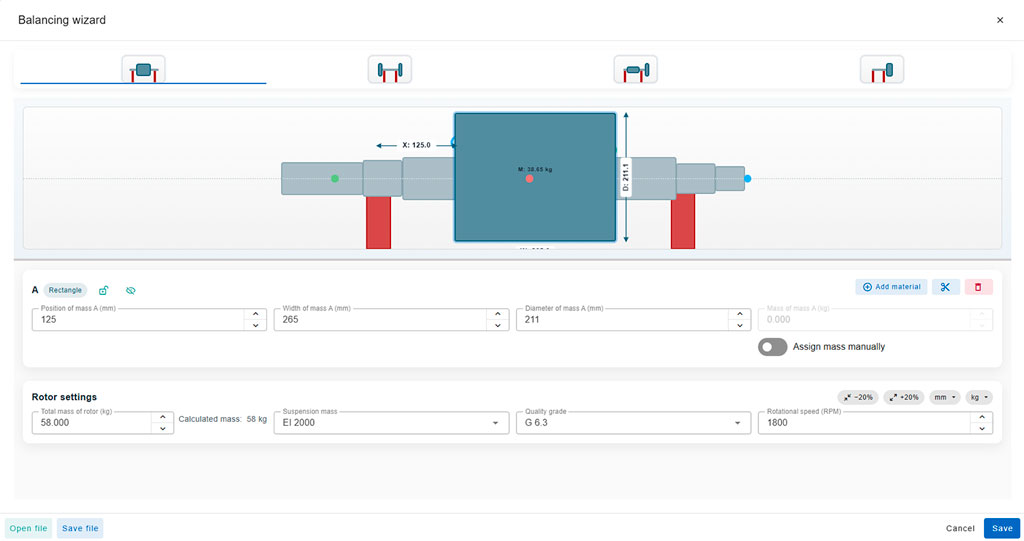
DigivibeMX® 26 Balance Balancing Wizard lets you input rotor details and then generates a visual rotor model with unprecedented detail. The wizard automatically calculates the mass of the shaft and accommodates different diameters along the rotor assembly. It uses advanced 3D mass and inertia calculations to more accurately predict how imbalance forces will behave – resulting in better correction solutions. It is like having an expert co-pilot during balancing.
Also, you can adjust the position of counterweights freely; the weight placements are not constrained to a fixed radius on the model.
The Balancing Wizard keeps the interface simple for routine jobs, but it gives power users the option to model complex rotor geometries forgreater balancing accuracy.
Configure multiple kinds of rotor
Balancing Calculator with multiple functions
The DigivibeMX® 26 Balance dynamic balancing system features an easy-to-use balancing calculator that streamlines rotor balancing with multiple advanced functions. Key tools of the balancing calculator include:
Correction Mass Tools
Add / Remove correction mass
Instantly simulate adding or subtracting correction weight on the rotor.
Split correction mass
Divide the required correction weight across multiple blades or different planes.
Combine correction mass
Merge multiple smaller correction weights into a single mass or location, simplifying the correction layout and reducing the number of weights on the rotor.
Calculate drill hole depth
Compute how deep to drill for weight removal (trim balancing), so you can precisely remove material from a rotor to eliminate excess weight instead of adding it.
Calculate trial mass
Determine optimal trial weight values for initial balancing runs, helping you conduct trial-weight procedures with confidence and hit the right balance on the first attempt.
Central Mass
A central mass calculation is incorporated to differentiate and correct static and dynamic imbalance more efficiently. The method calculates a mass that is placed along the rotor or at its center of gravity to correct static imbalance.
This multifaceted balancing calculator makes the DigivibeMX Balancing 26 a comprehensive dynamic balancing solution, allowing both novice and expert users to tackle complex imbalance corrections efficiently.
Automatic Saving and Balancing Data Management
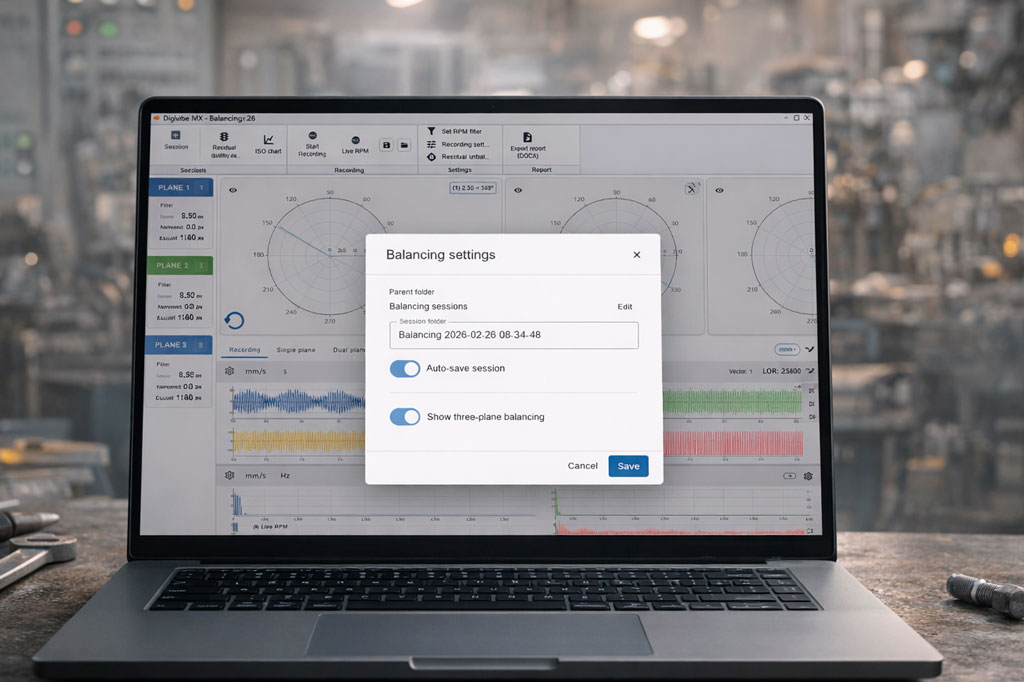
DigivibeMX® 26 Balance automatically saves all balancing sessions and their corresponding vibration data recordings. The software offers vector data management. You can capture new vectors by selecting specific intervals of a vibration signal recording, extracting the vibration amplitude and phase information for that period to use in your calculations.
The system also supports importing external vector files (in .anl format) directly into a session. If you have vibration data from other instruments or previous jobs, you can bring those vectors into DigivibeMX Balancing 26 for comparison or for use in the current balancing process.
Real-Time FFT Monitoring and Long Recording capabilities
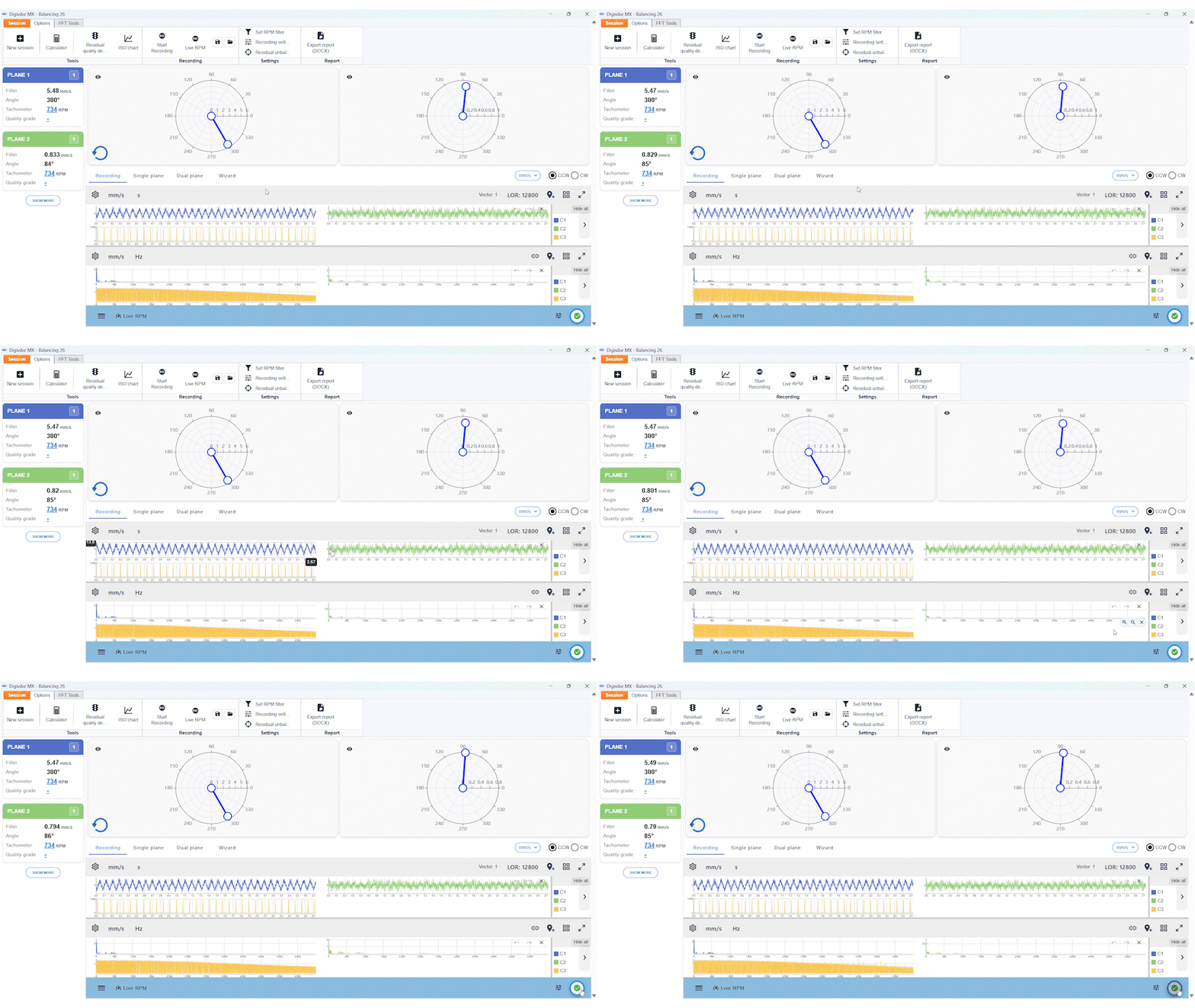
DigivibeMX® 26 Balance is built to handle scenarios with long-recording capability. A new selectable downsampling allows you to dramatically cut down the memory usage and processing load during an FFT analysis of lengthy recordings. This means you can record vibration data for much longer durations (many minutes or even hours) without running out of memory.
Even as you record for an extended time, the system provides real-time feedback – you can view the FFT spectrum and the overall vibration vector in real time over the entire signal (using the “interval mode: complete” view). This real-time FFT monitoring lets you watch how the rotor’s vibration profile evolves (for example, as it reaches steady operating speed or as trial weights are added) and catch any anomalies immediately.
Comprehensive Reporting and ISO 21940 Compliance
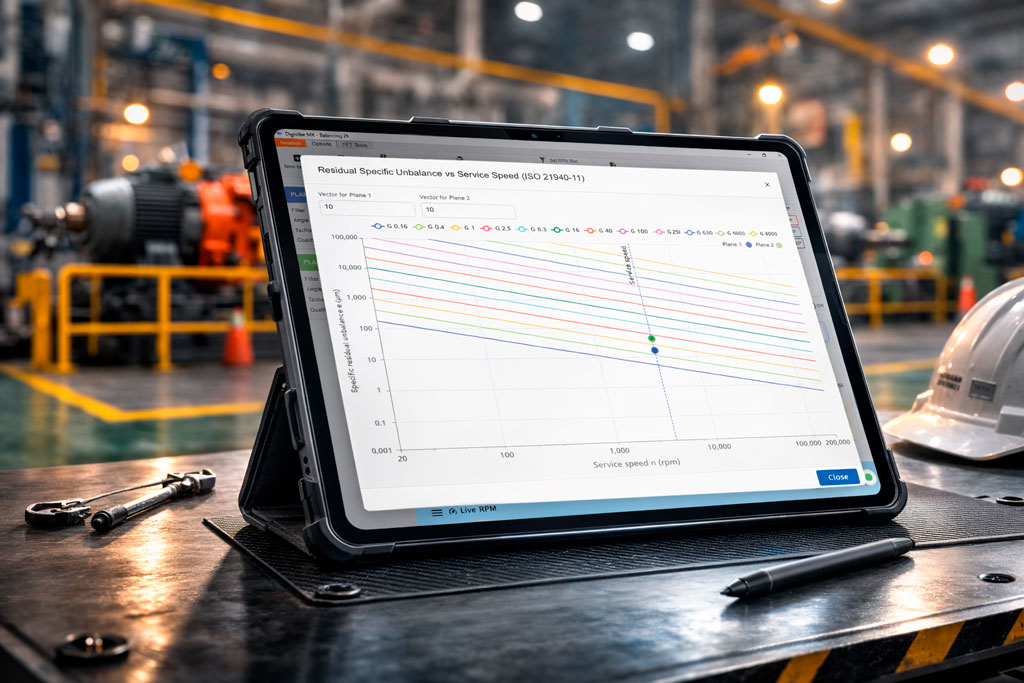
DigivibeMX® 26 Balance now includes a built-in chart based onISO 21940 standards for balance quality grades, this helps you verify and document balance quality effortlessly. After you perform a balancing correction, the residual unbalance left in the rotor can be plotted on this ISO 21940 chart to see if it falls within acceptable limits for the rotor’s size and service speed.
Delivering a balanced rotor is not just about reducing vibration – it’s also about meeting quality standards.
Our Dynamic Balancing System also refreshes the entire balancing report format to incorporate this chart and other new details.
Compatibility
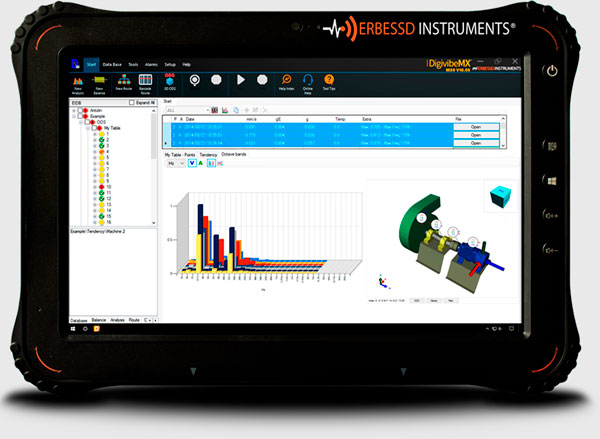
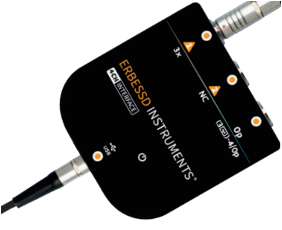
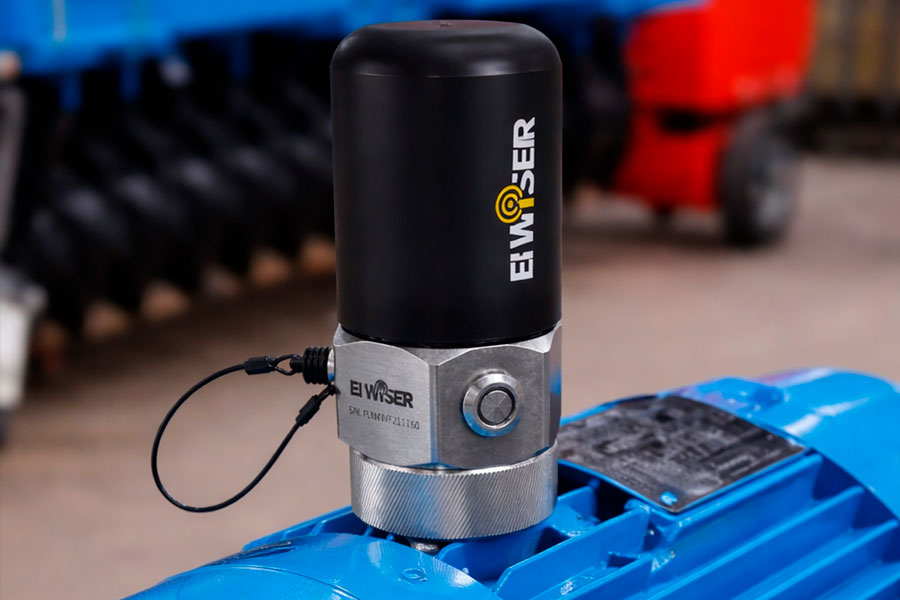
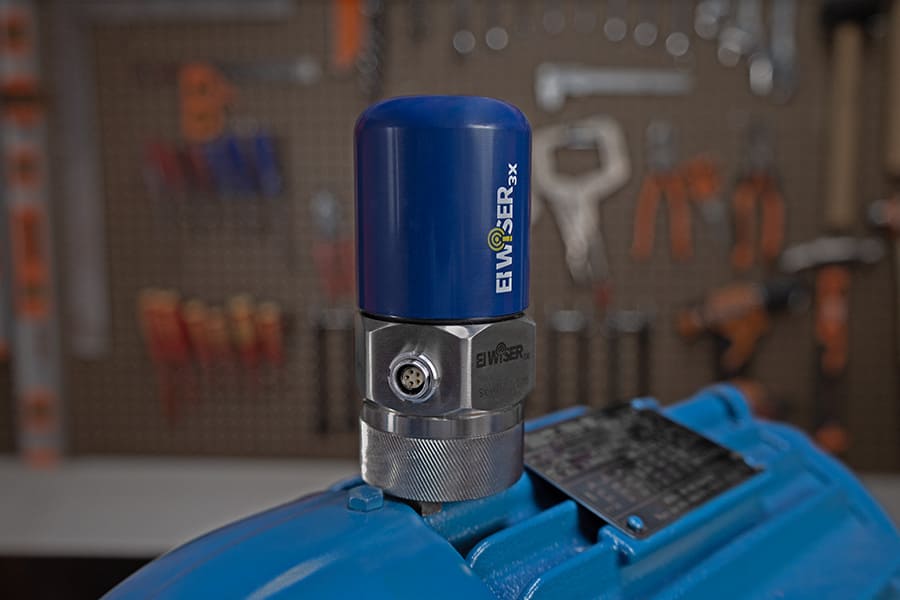
DigivibeMX Balancing 26 is compatible with all Erbessd Instruments data collectors, including: