New Auto-diagnosis Tool

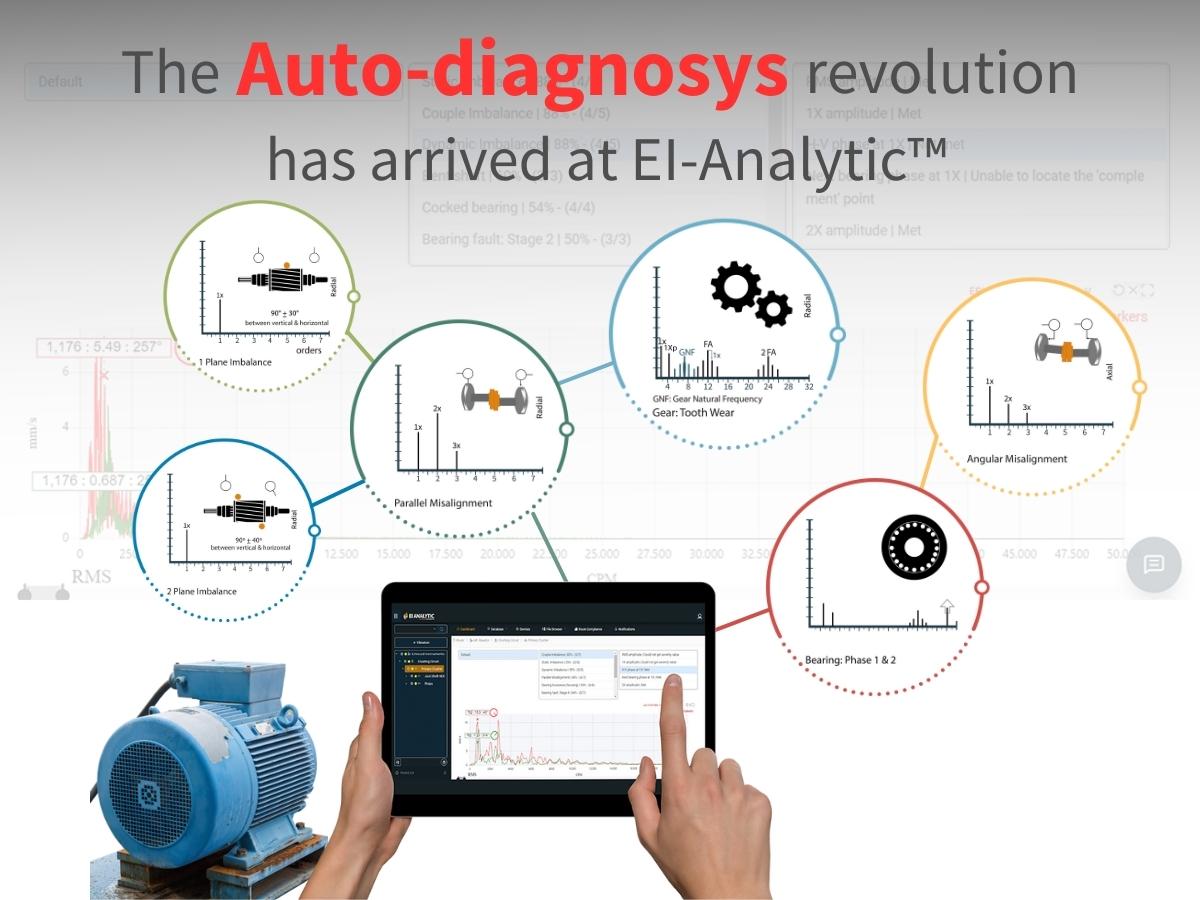
Auto-diagnosis tool Vibration analysis in a single touch. Learn how to use our new diagnosys tool; swiftly and accurately detects vibration anomalies, diagnosing potential machinery issues before they escalate. 1. What is the Auto-diagnosis Tool for? This is an analysis tool offered by EI-Analytic. That functions as a breakdown of possible failures at the analyzed … Weiterlesen
New Vibration Phantom Gen 3 – Installation Manual

Vibration Sensor – Phantom Gen 3 Installation Guide Meet the third generation Phantom Bluetooth Wireless Triaxial Accelerometer. With all the features the Phantom wireless eco-system has become known for! The new design allows repeatable, reliable use in even the worst environmental scenarios. With the new integrated threaded mounting assembly, you may easily, and quickly adjust … Weiterlesen

Turbogenerator Diagnostics | Phantom Gen 3

Turbogenerator studied with Phantom sensors

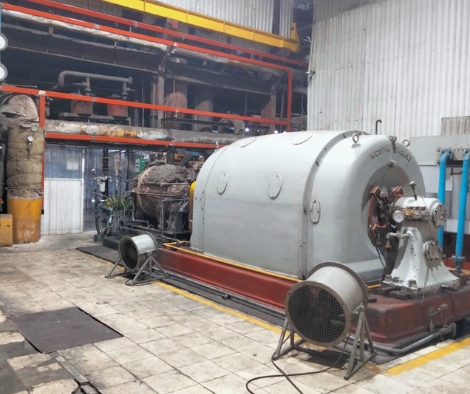
Turbogenerator Diagnostics | Phantom Gen 3 In this case study, a vibration analysis of a turbogenerator is presented, with the objective of identifying possible problems and taking preventive measures to guarantee its optimal operation. The Erbessd Phantom vibration analysis equipment was used, which allows accurate and reliable measurements. Throughout the study, emphasis was placed on … Weiterlesen

Gateway 2.0 Global Settings

Gateway 2.0 Global Settings Learn how to change the settings of your Phantom sensors using the gateway user interface. This configuration apply to ALL of the sensors that are paired with the gateway. Enable Internet Connection First of all is important to connect our Gateway 2.0 to a network. This can be done in one … Weiterlesen

Phantom Sensors Gateway 2.0 Configuration

Phantom Sensors with Gateway 2.0 Learn how to create the connection between Phantom sensors and the most powerful gateway. If you have not yet configured your Gateway 2.0 to send data anywhere; find two tutorials, which will help you to connect the gateway to EI-Analytic or EI-Monitoring. Pair Phantom Sensors With Gateway 2.0 When your … Weiterlesen

EI Monitoring Gateway 2.0 Connection

EI Monitoring WITH Gateway 2.0 Learn how to create the connection between EI Monitoring Service and the most powerful gateway. Enable Internet Connection First of all, it is important to connect our Gateway 2.0 to a network. This can be done in one of two ways: Connect the gateway directly to the modem using an … Weiterlesen

EI Analytic Gateway 2.0 Configuration

EI Analytic with Gateway 2.0 Learn how to create the connection between our cloud service and the most powerful gateway. Enable Internet Connection First of all is important to connect our Gateway 2.0 to a network. This can be done in one of two ways: Connect the gateway directly to the modem using an ethernet … Weiterlesen

Trends have reached the SCADA schemes 

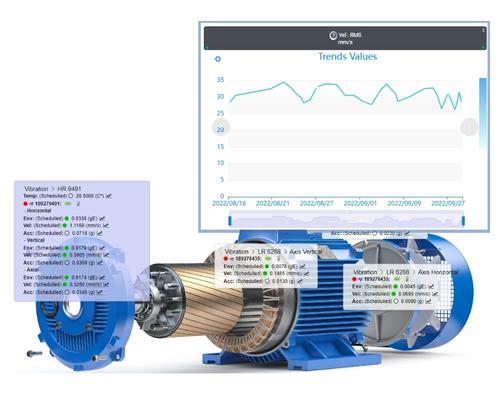
Trends Have Reached the SCADA Schemes  The new EI-Analytic tool, SCADA, is an amazing feature that help you monitor your machine’s data in a very easy, fast and simple way, and now you can consult your machine behavior over the time with the trends. If you have not created any schemes yet, you can read … Weiterlesen

How does the EI-Analytic SCADA new tool work?

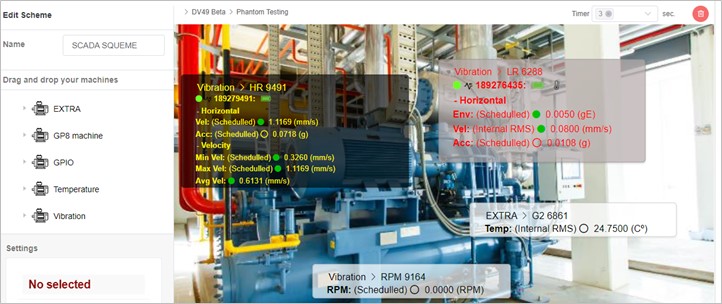
How Does SCADA, the New EI-Analytic Tool Work? With the new SCADA schemes tool, you can visualize your data on screen with a diagram, figure or picture, but how does this tool work? Create a new SCADA is very easy, you can make your first one in less than 5 minutes, but first make sure … Weiterlesen