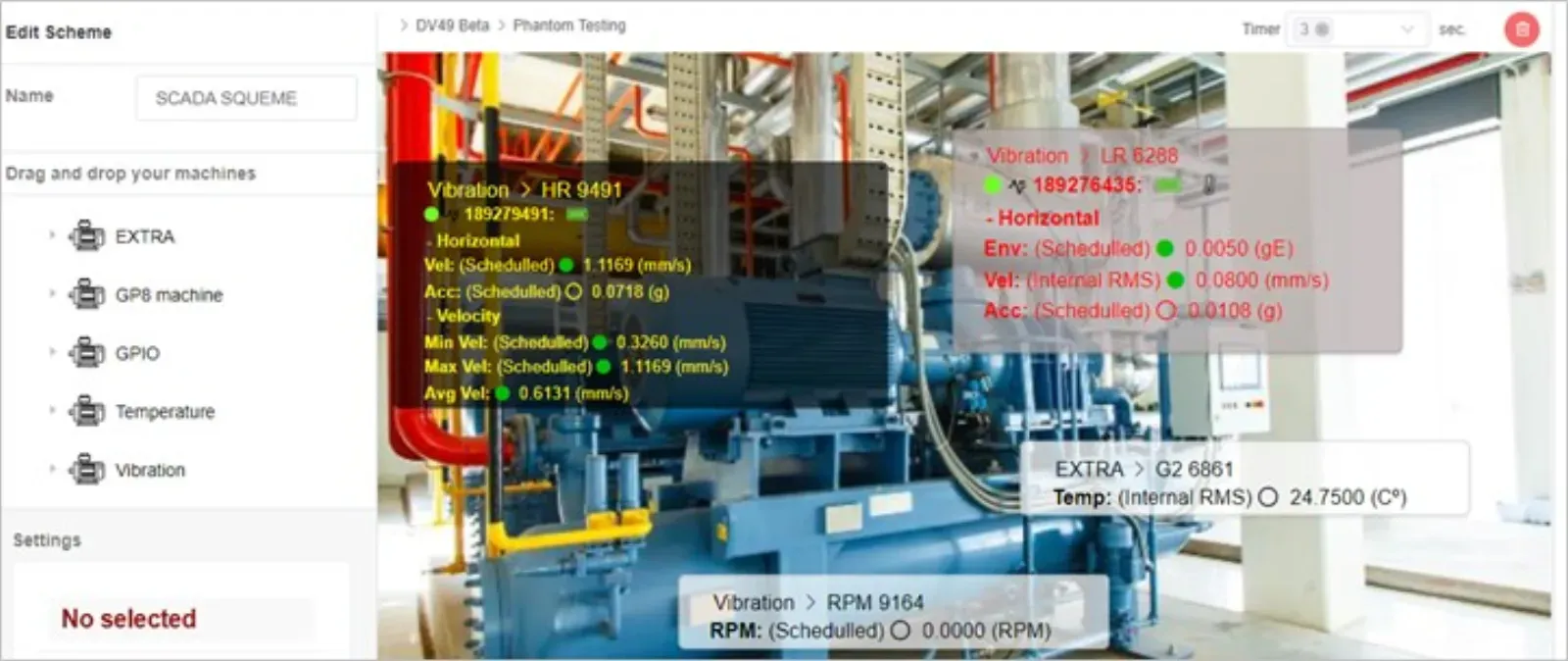
With the new SCADA schemes tool, you can visualize your data on screen with a diagram, figure or picture, but how does this tool work? Create a new SCADA is very easy, you can make your first one in less than 5 minutes, but first make sure that you already have an EI-Analytic™ account, if you don’t, click here to create a new one today!
Don’t have an EI-Analytic™ account?
You can store your information in, the ERBESSD INSTRUMENTS® cloud service, EI-Analytic™. Create a free account and receive 1 GB storage for your data, or purchase a full account and receive 10 GB of storage.
To create an account, just follow these steps:
- In your internet browser, access to the address https://www.eianalytic.com/
- Find and click the “Login” button in the upper right corner of the screen.
- At the login page, find and click the “New Account” option.
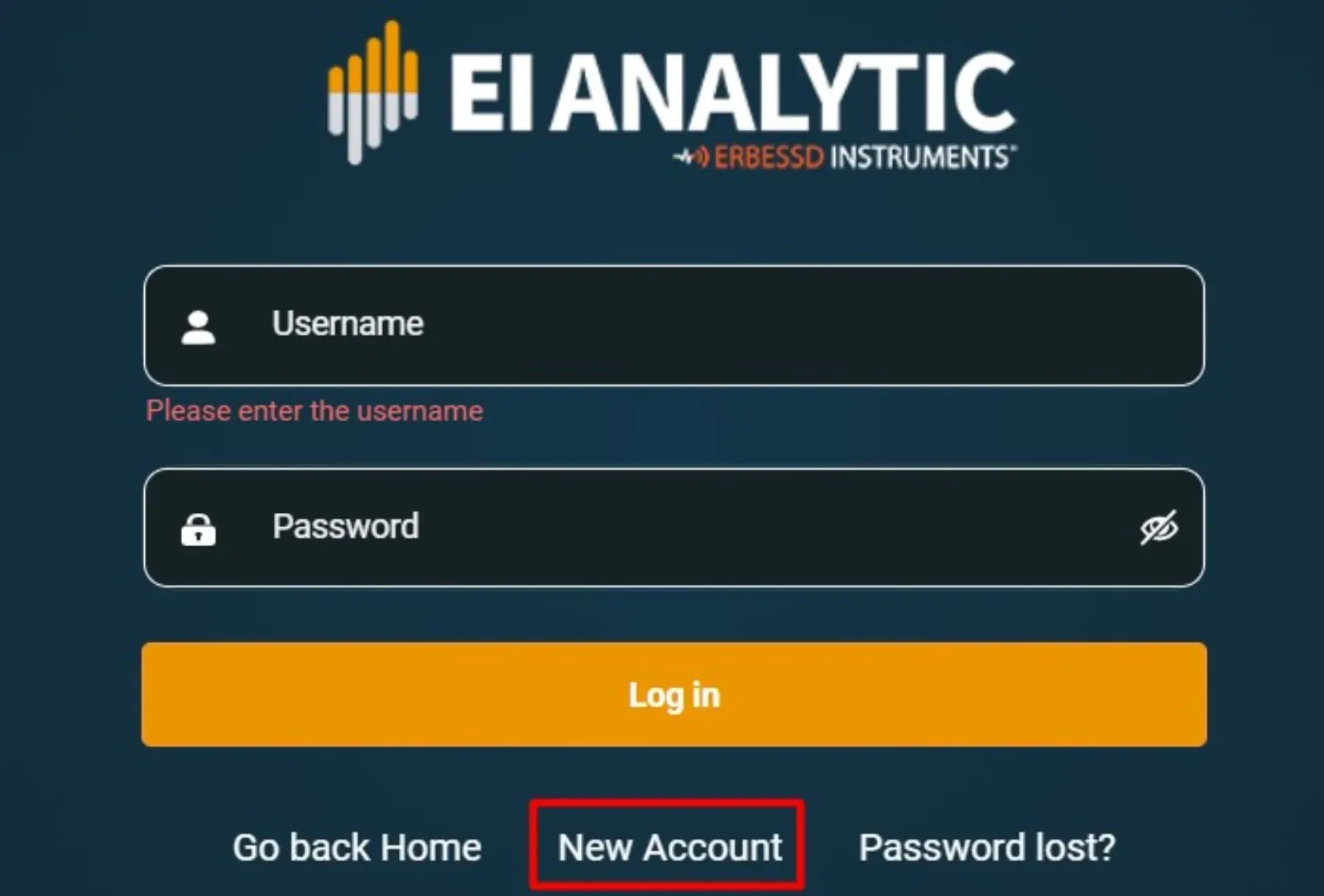
- Write your information and click “Create account”.

And now you have an EI-Analytic™ account, you can create machines inside the platform or login into your account with Digivibe MX®, follow the steps described on our “PHANTOM® First Steps” tutorial to create your database tree, register your PHANTOM® devices and start getting data.
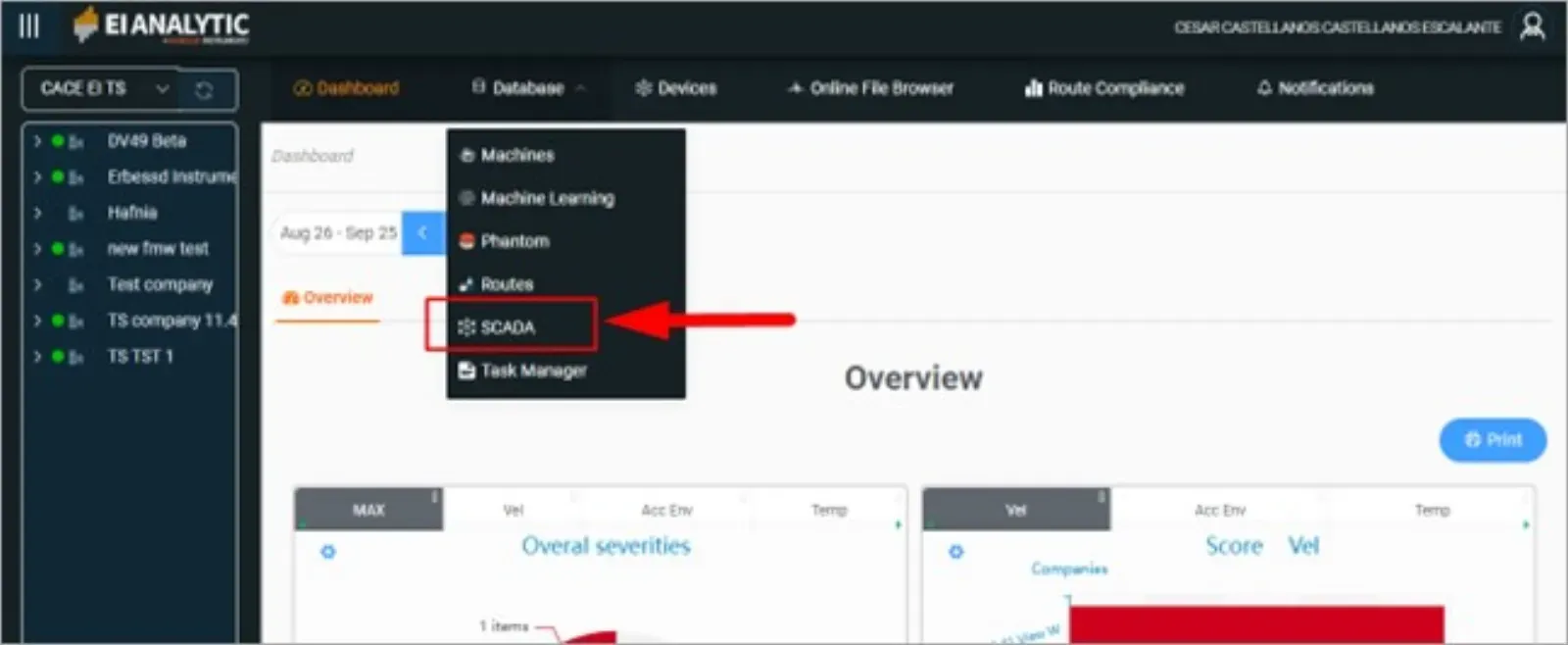
If you already have an EI-Analytic™ account, then you can create your first SCADA scheme, it is very easy and practical to monitor your machines, log in to EI-Analytic™ and go to the Database tab and click on SCADA.
Now, click on New Scheme to create a new SCADA:

Choose from your database tree, the section you want to monitor, you can choose a point, a machine, or an area with several machines to visualize. After that, pick an image from your computer, use the Windows file explorer to find it.
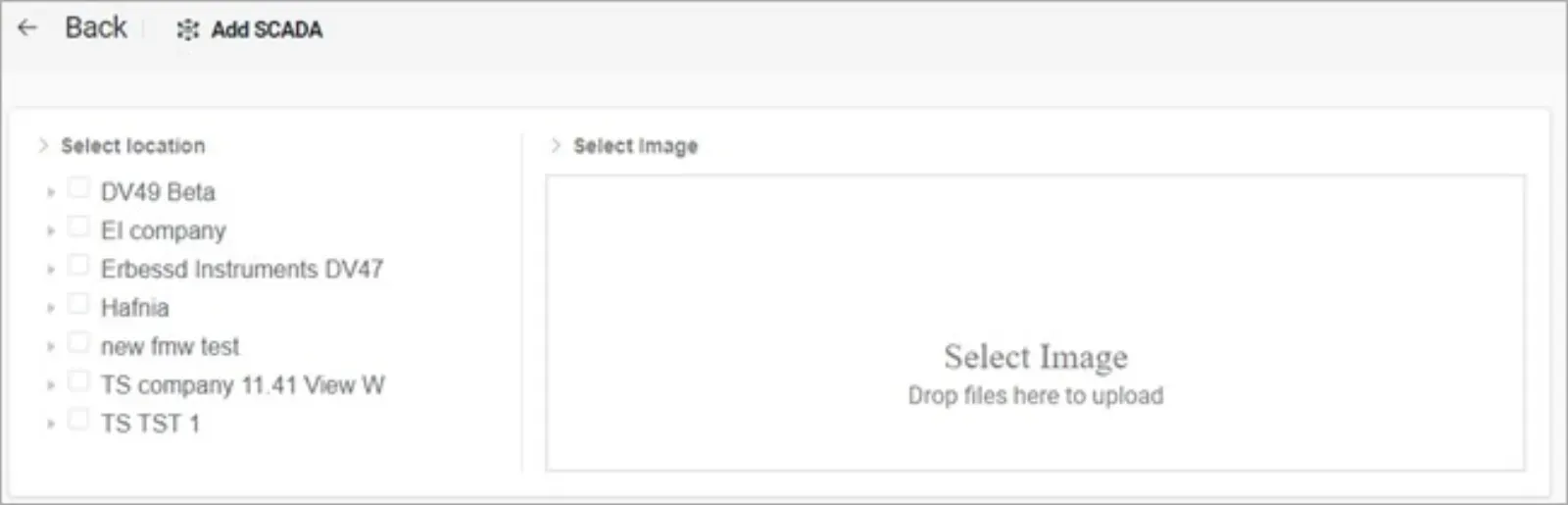
Choose which section you want to visualize, create and configure your items using our wizard.
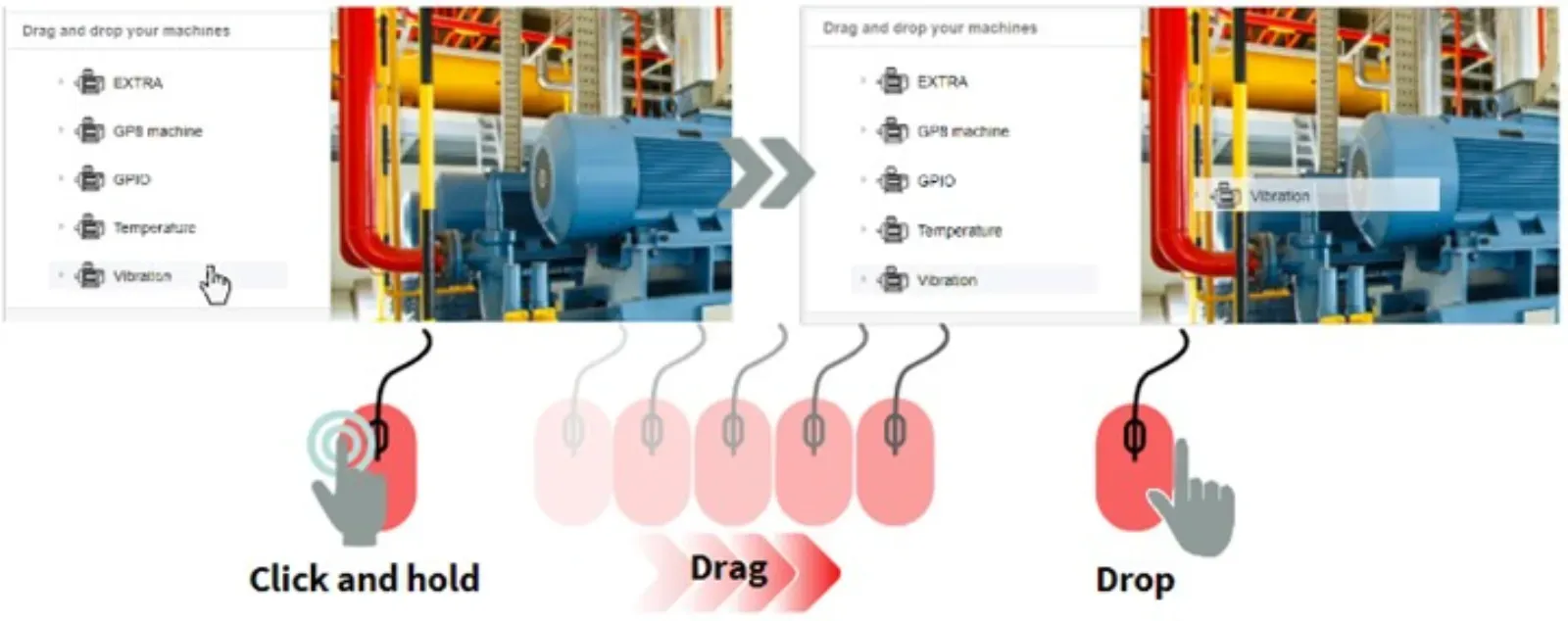
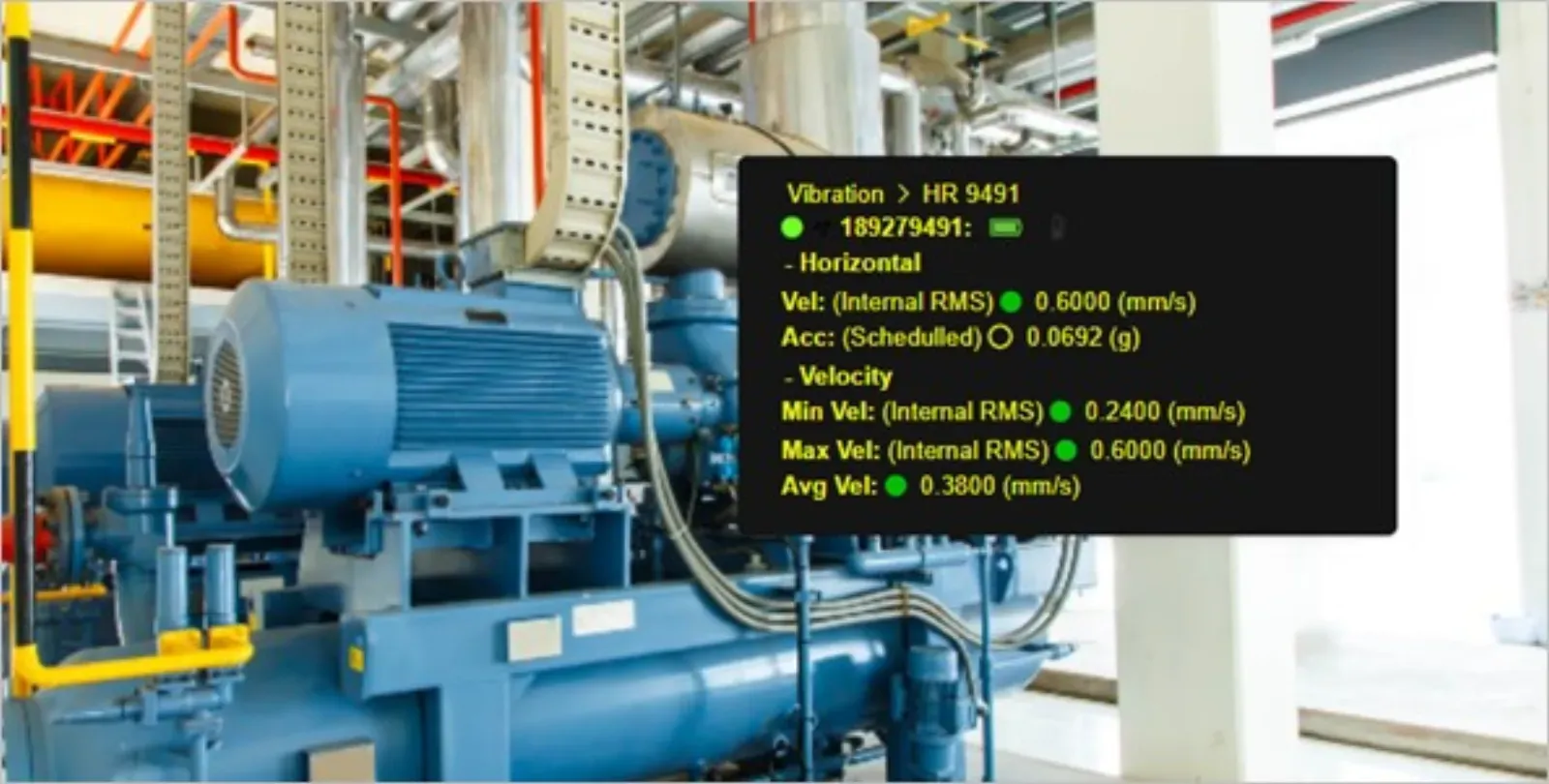
Save your SCADA on your database, and start monitoring your machine with you items, vibration, temperature, speed, current, everything on the same place at the same time.
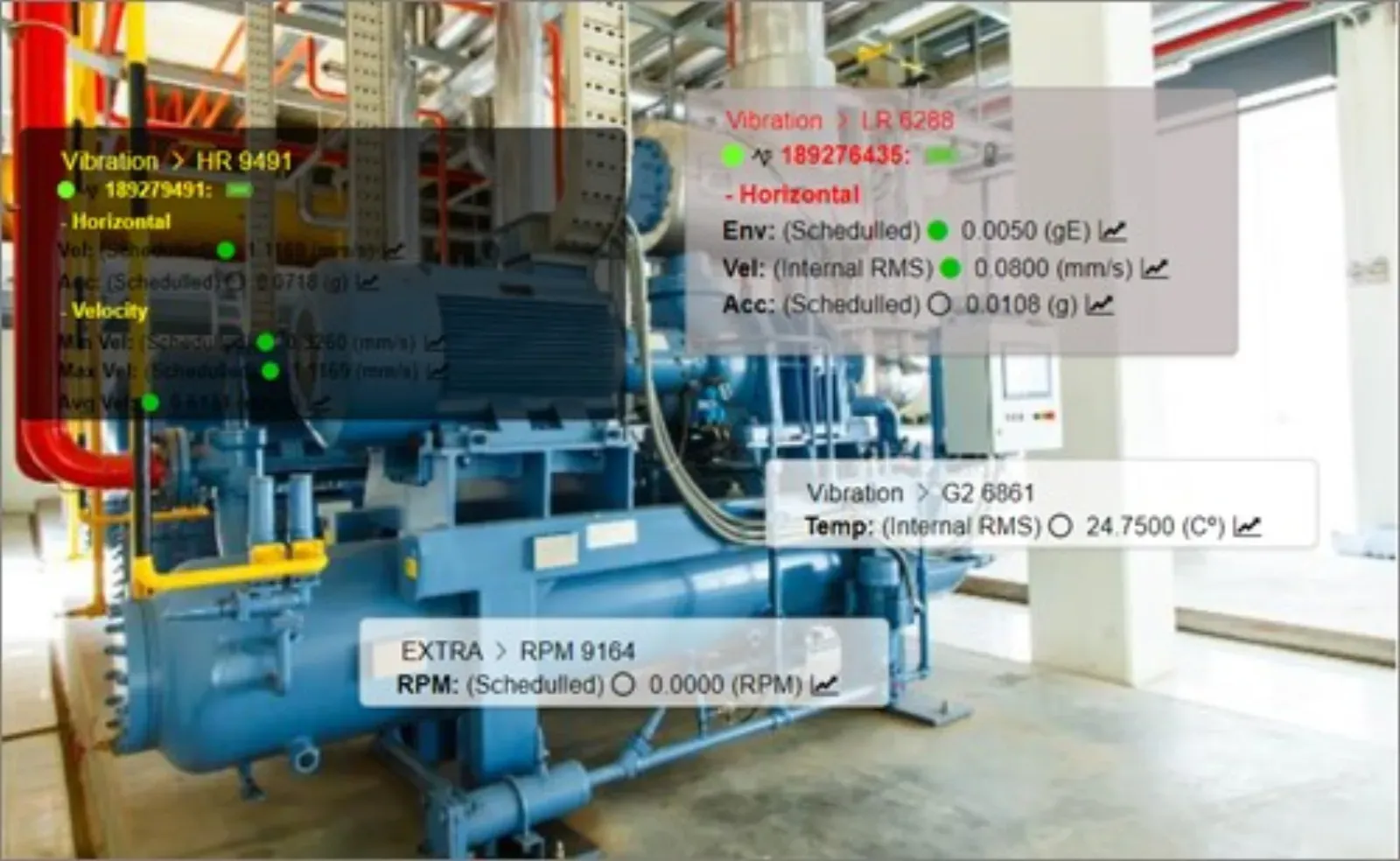
Make condition monitoring fast and simple, create a new SCADA scheme today.