It is possible to link your vibration sensor with the RPM speed module. With this tool, a vibration measurement will be triggered when it detects that the RPM number is within a previously configured range.
To enable this function, we have to enter the RPM module settings with the PHANTOM® Manager app, available for Android and iOS, download it here:
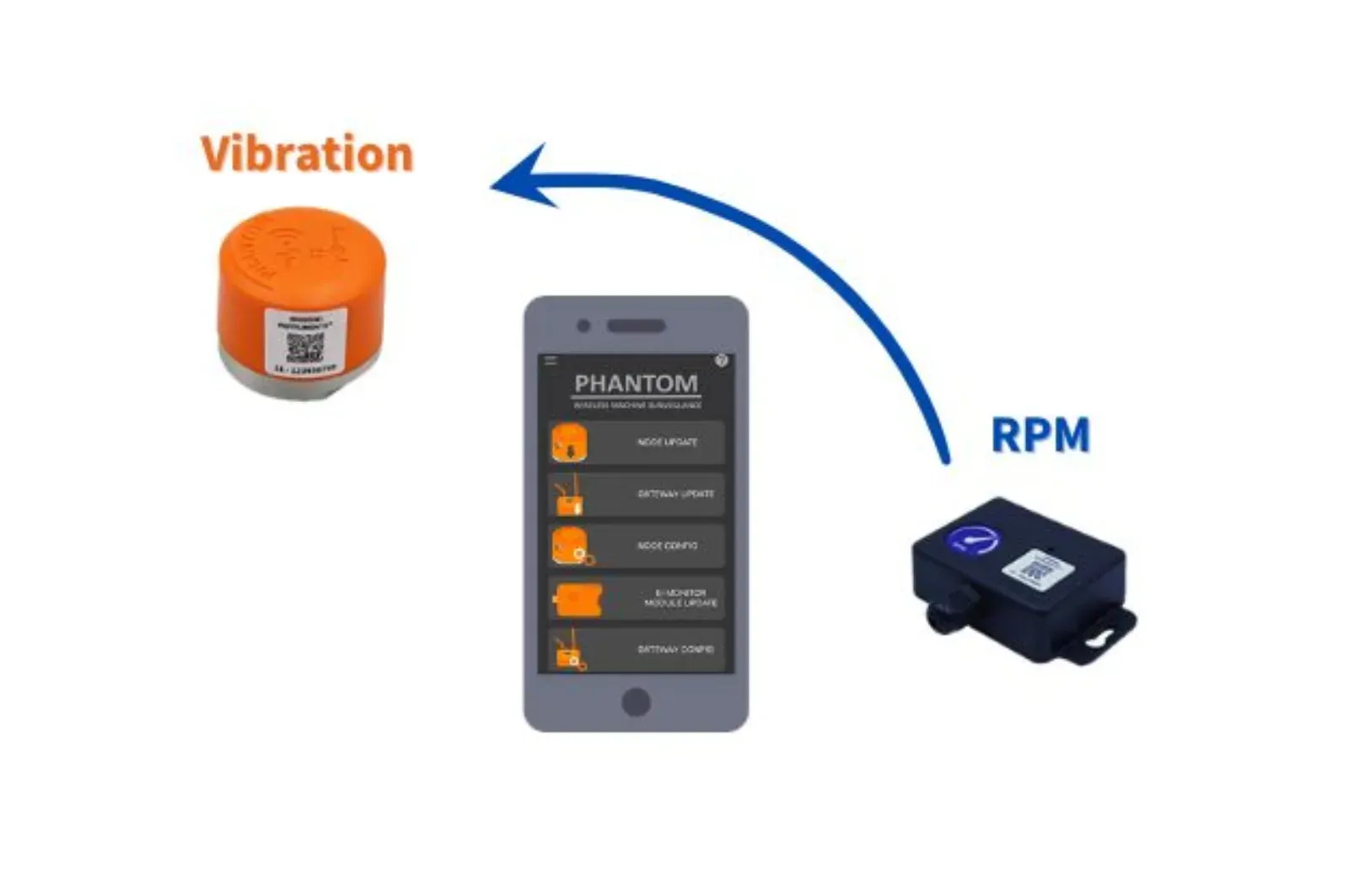


Link your vibration PHANTOM® with your RPM sensor today, go to our vibration PHANTOM® installation guide and follow the instructions described on Section 4.- PHANTOM® MANAGER > How to integrate my RPM sensor with the Vibration PHANTOM®?”, or contact one of our technical support assistants.