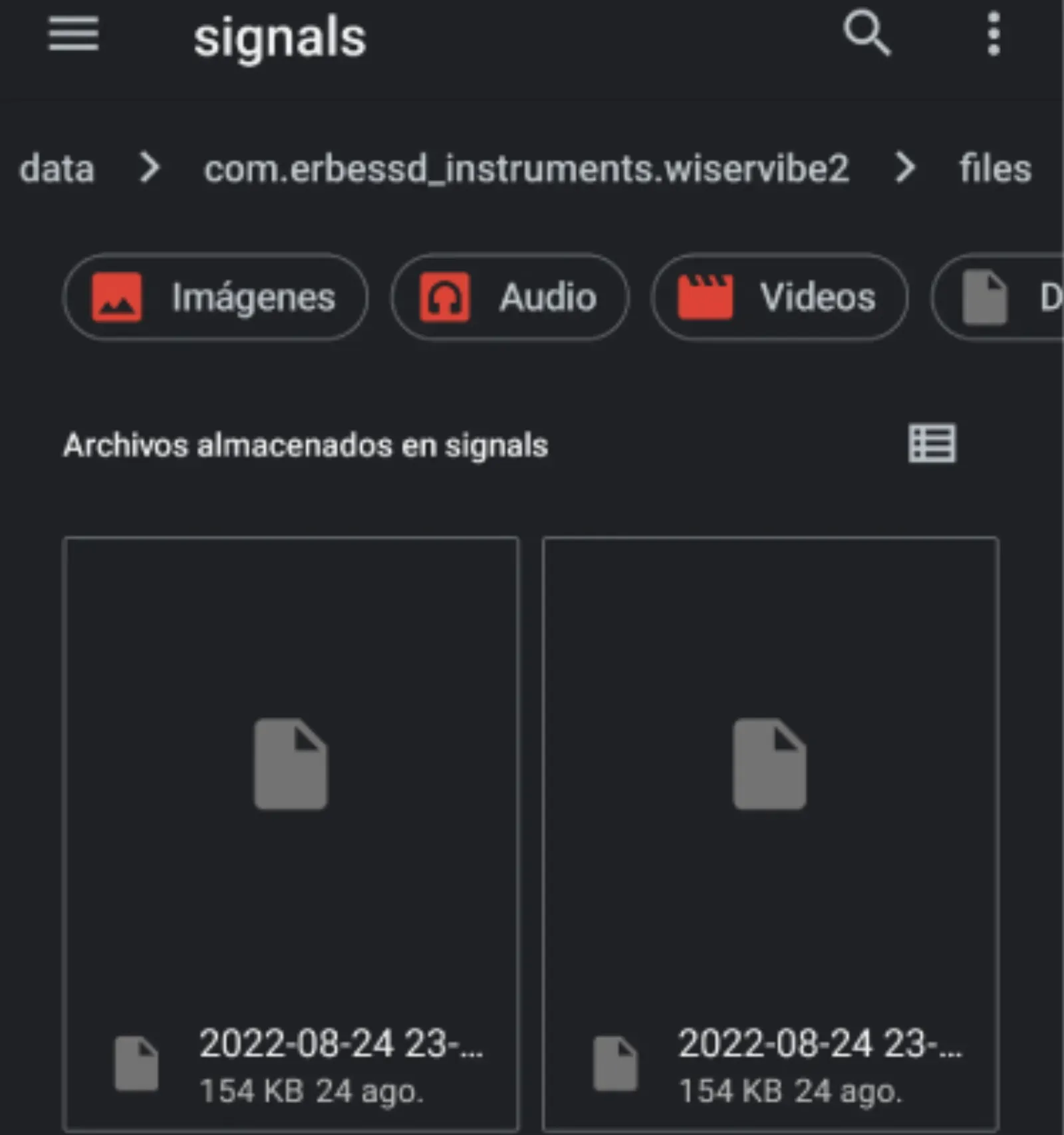
Discover this new feature in our WiSER VIBE® application. With this new option you will be able to save your files directly in the folders of your cell phone and this way you will be able to keep your data even if the application is uninstalled.
This function has to be activated through the app settings. To do so, follow the steps below:
1. Access to WiSER VIBE®

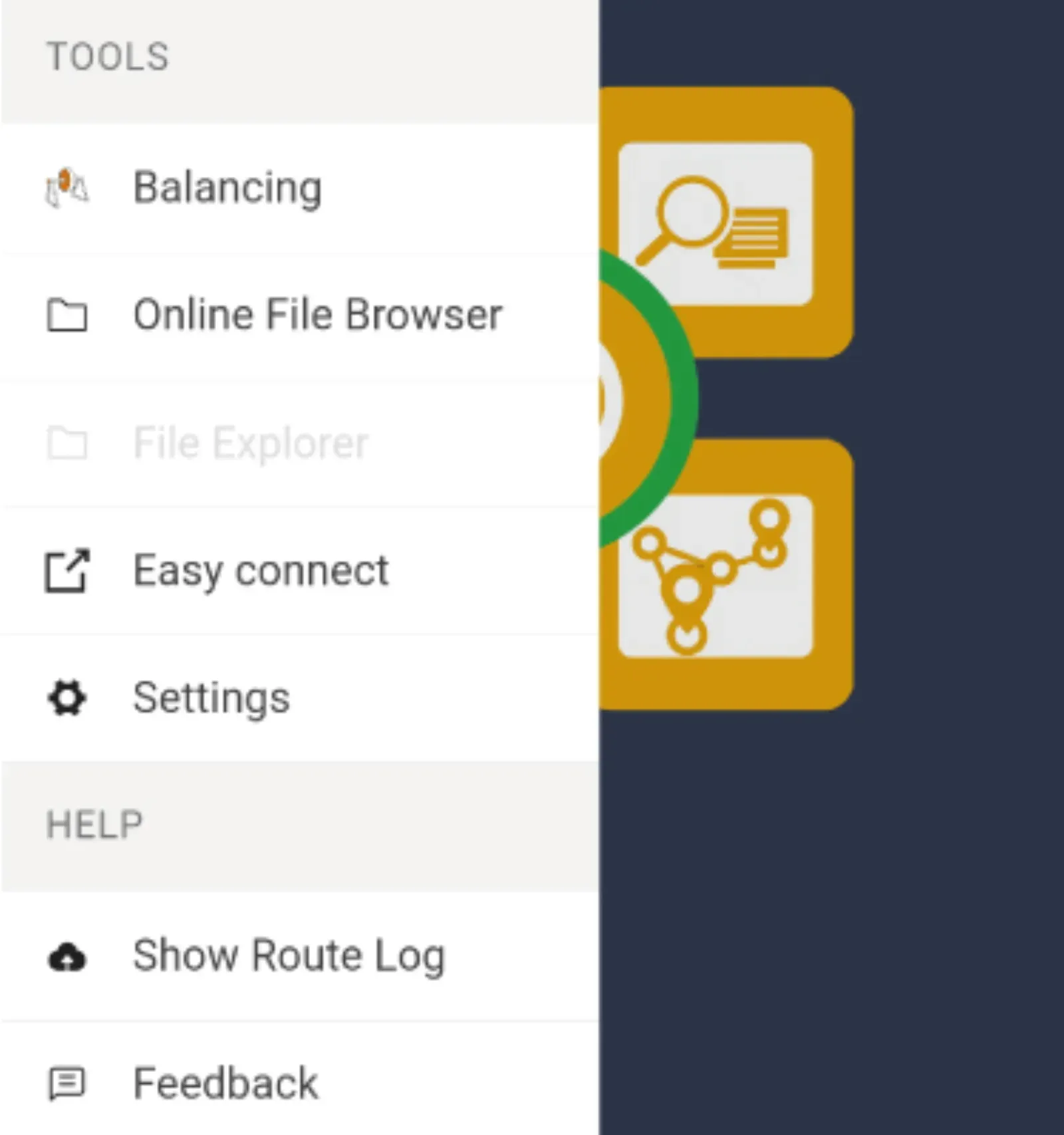
2. In the top left menu; look for “Settings”
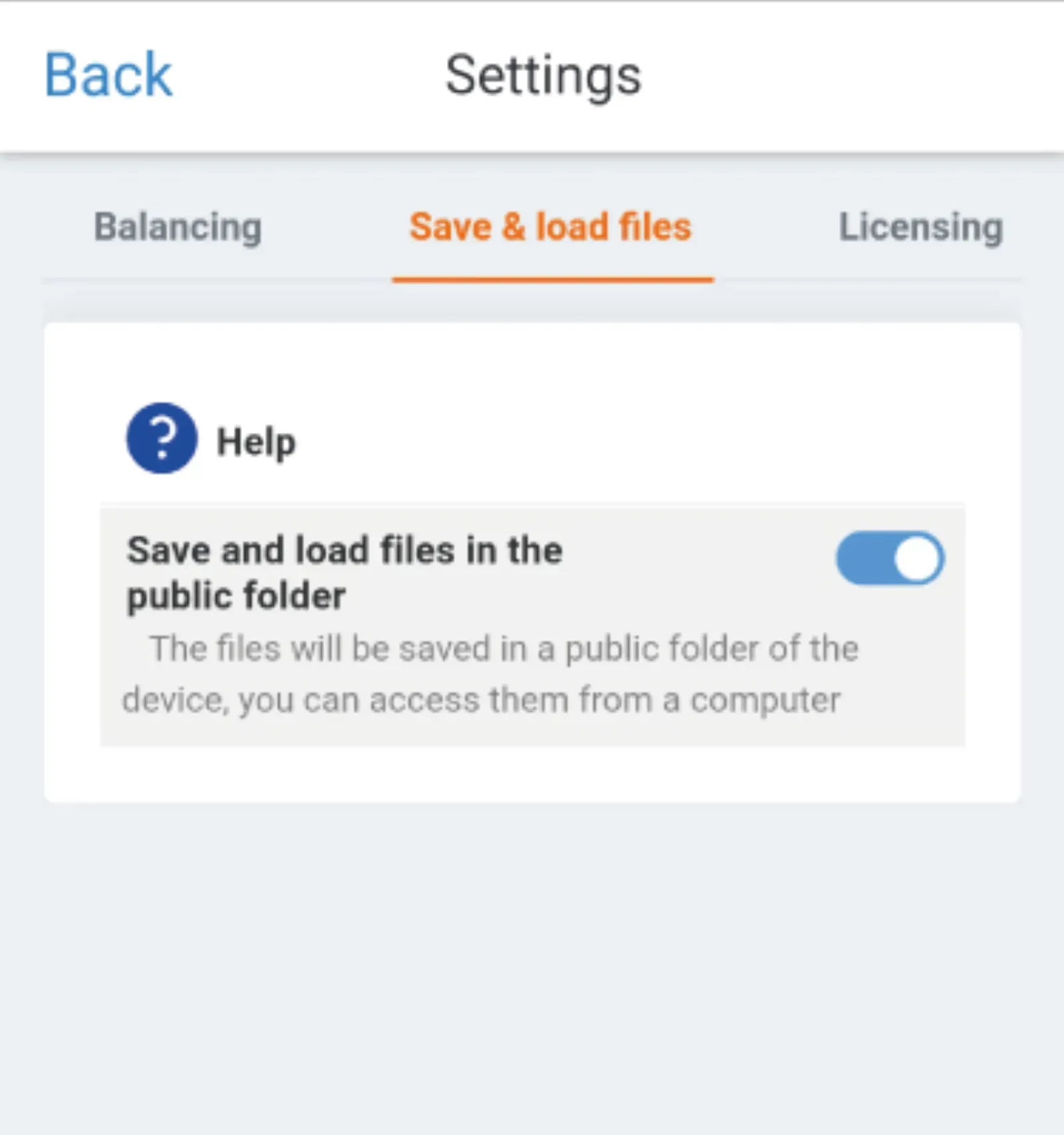
3. Access the “Save and load files” screen. Enable the button and save
4. Search for the .anl files in your phone folders